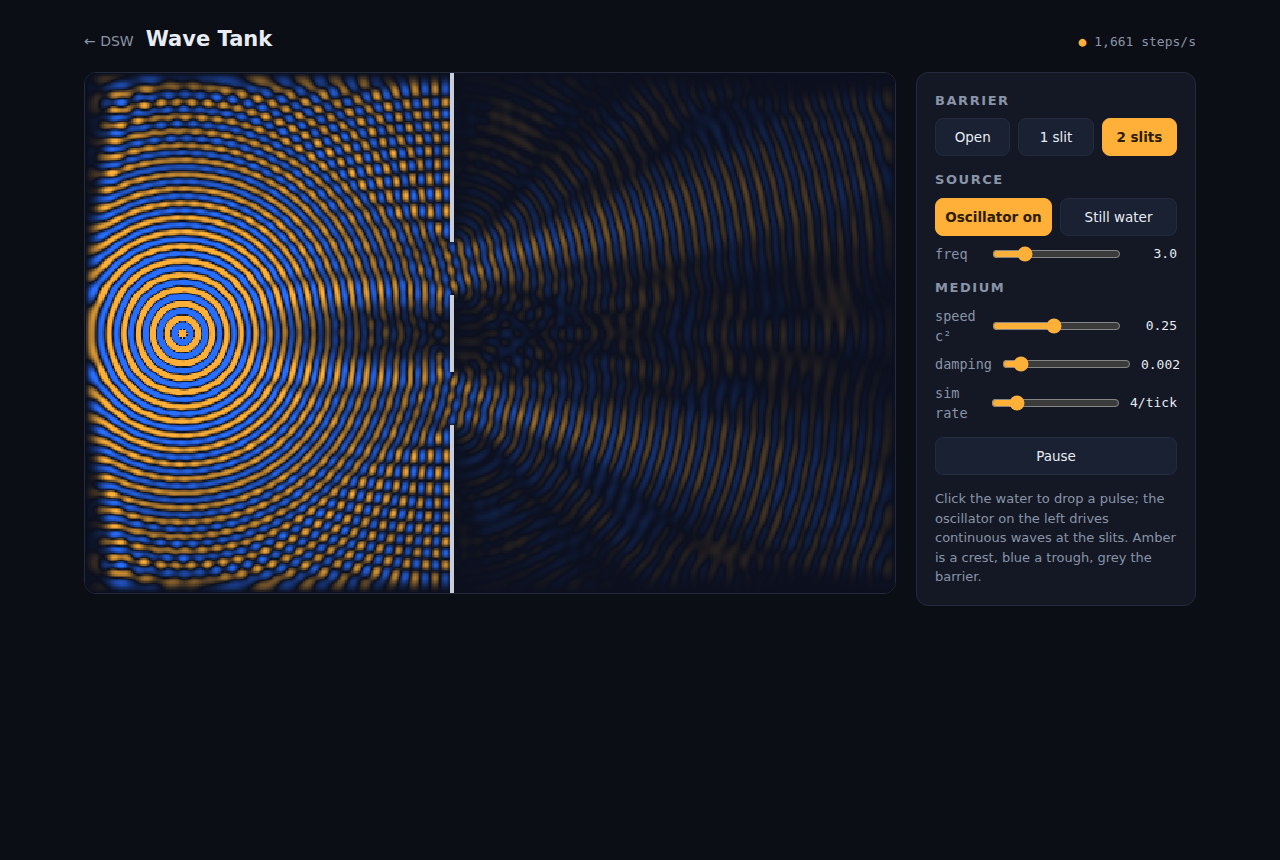
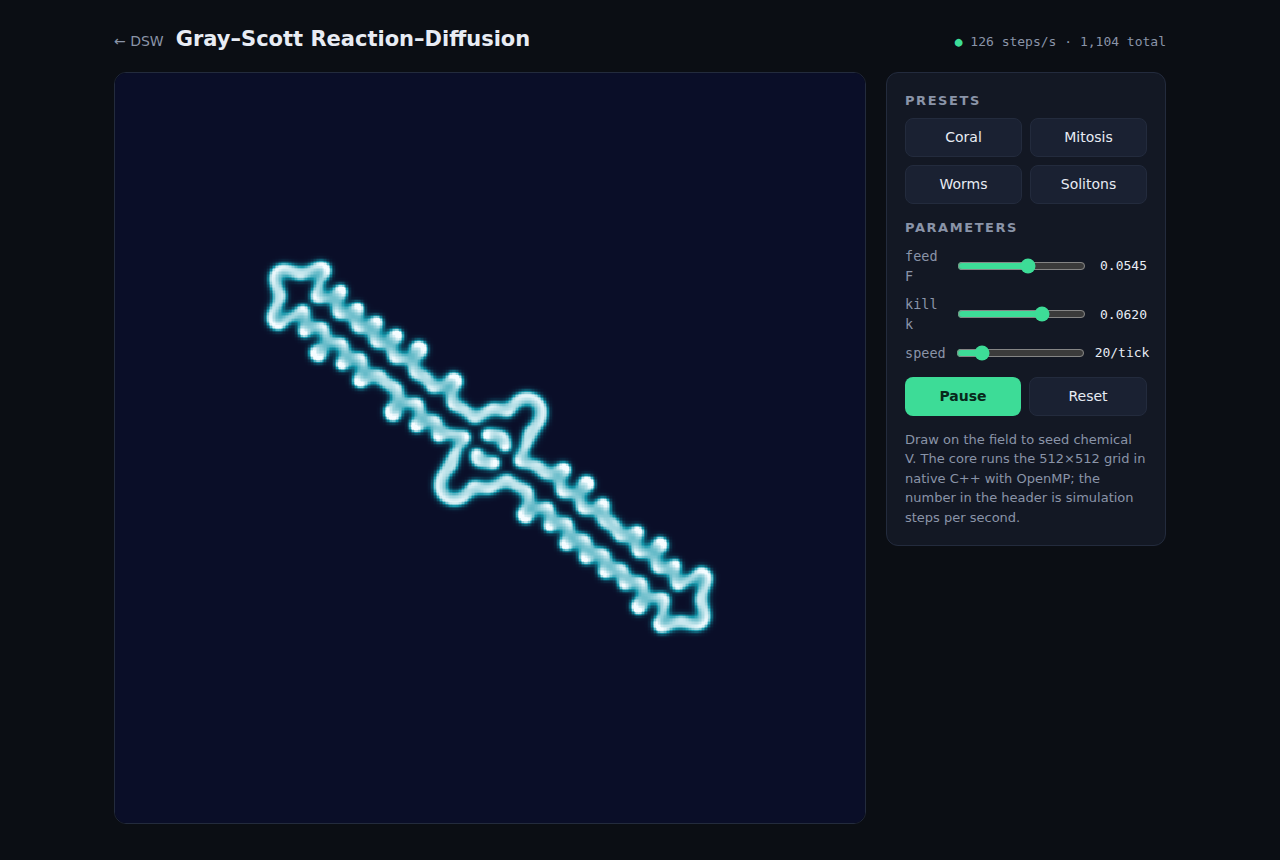
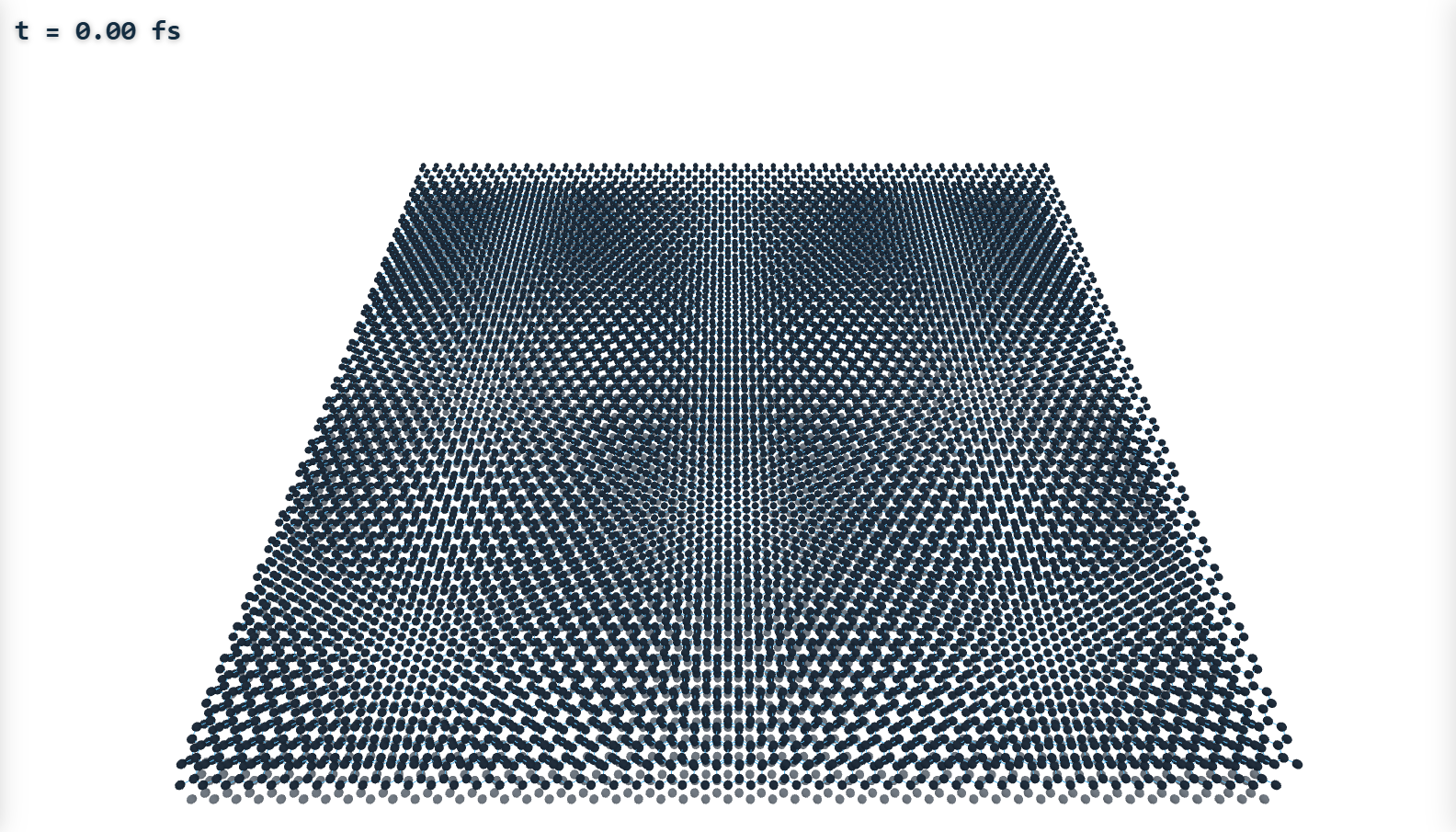
Those four are pictured because they photograph well. The download also carries the rest of the set: Graphene MD (GPU) — molecular dynamics on an OpenCL engine, with a LAMMPS deck exporter; Graphene Lattice Vibrations; Structural Superlubricity; the Klein Magnetometer Workbench; and the Graphene Transport Explorer. Nine in all, every one of them started and rendered on Windows, macOS and Linux before the archive is published.
Drop-in plugins
An experiment is a folder: a compiled C++ core, an HTML front-end, and a small metadata card. Installing it means copying the folder into plugins/ and refreshing the launcher — no installer, no registry, no rebuild.
The browser stays the GUI
Front-ends are ordinary HTML/JS pages — the same ones prototyped on this site port with their controls and styling intact. A tiny shim (dex.js) relays JSON controls and blits RGBA frames to a canvas, one frame per display refresh.
Native speed
The simulation core is plain C++ behind a seven-function ABI — free to use OpenMP, SIMD and gigabytes of memory. The host serializes calls per instance, so plugins need no locks; display pace and simulation pace are fully decoupled.
DSW is a native program, so unlike the rest of DEX it runs on your machine rather than in the page. Download it, unzip it, run it — every experiment is included and nothing needs compiling.
On Windows, unzip and double-click Launch DSW.cmd — it starts the
host and opens the launcher in your browser. Elsewhere, run ./dsw from
the unzipped folder and open the address it prints. The binaries are unsigned, so
expect one "unrecognised app" warning the first time; on macOS clear the download
quarantine with xattr -dr com.apple.quarantine <folder>.
Individual experiments are downloadable on their own too — drop a bundle folder into your plugin library and press Refresh in the launcher. There is no installer and nothing is registered system-wide: deleting the folder uninstalls it.
A local build is compiled for your own CPU, so it is faster than the download —
worth it for the molecular dynamics. You need CMake ≥ 3.15 and a C++17 compiler
(OpenMP recommended); the
setup
guide walks through installing those on each platform, and LAMMPS alongside them
if you want a reference for the MD side. Start from a folder you can write to — your
home or projects directory, not a fresh admin shell's
C:\Windows\System32 — then on Linux or macOS:
cd ~                     # anywhere writable
git clone https://github.com/DEX-2DPHYS/dex-2dphys.github.io
cd dex-2dphys.github.io/dsw
cmake -B build -DCMAKE_BUILD_TYPE=Release
cmake --build build -j
./dsw        # then open http://127.0.0.1:8090/
On Windows (tested with Visual Studio's MSVC): same clone, then
cd $HOME\Documents       # anywhere writable
git clone https://github.com/DEX-2DPHYS/dex-2dphys.github.io
cd dex-2dphys.github.io\dsw
cmake -B build
cmake --build build --config Release
.\dsw.exe    # then open http://127.0.0.1:8090/
The host binds to localhost only and opens a launcher listing every installed experiment. Writing your own is three files — see the README for the plugin ABI, the porting guide from an HTML prototype, and the wire protocol. The shipped experiments are meant as templates.
Because an experiment should be something you hand to someone, not something they have to build the whole program to get. Mature plugin standards already exist, but they are shaped around the field they came from — fixed data buses, realtime callbacks, values squeezed into 0–1, licensed toolkits — and a simulation fits none of that. DSW keeps the two ideas worth keeping, a small stable binary interface and installation by dropping in a folder, and leaves the rest out. The entire contract is one C header with seven functions.